
A read-only external toolkit designed from day one to sit completely outside the Roblox process. Serotonin External never writes a single byte to game memory — it observes, renders, and stays invisible. Windows-native, kernel-optional, zero footprint inside the client.
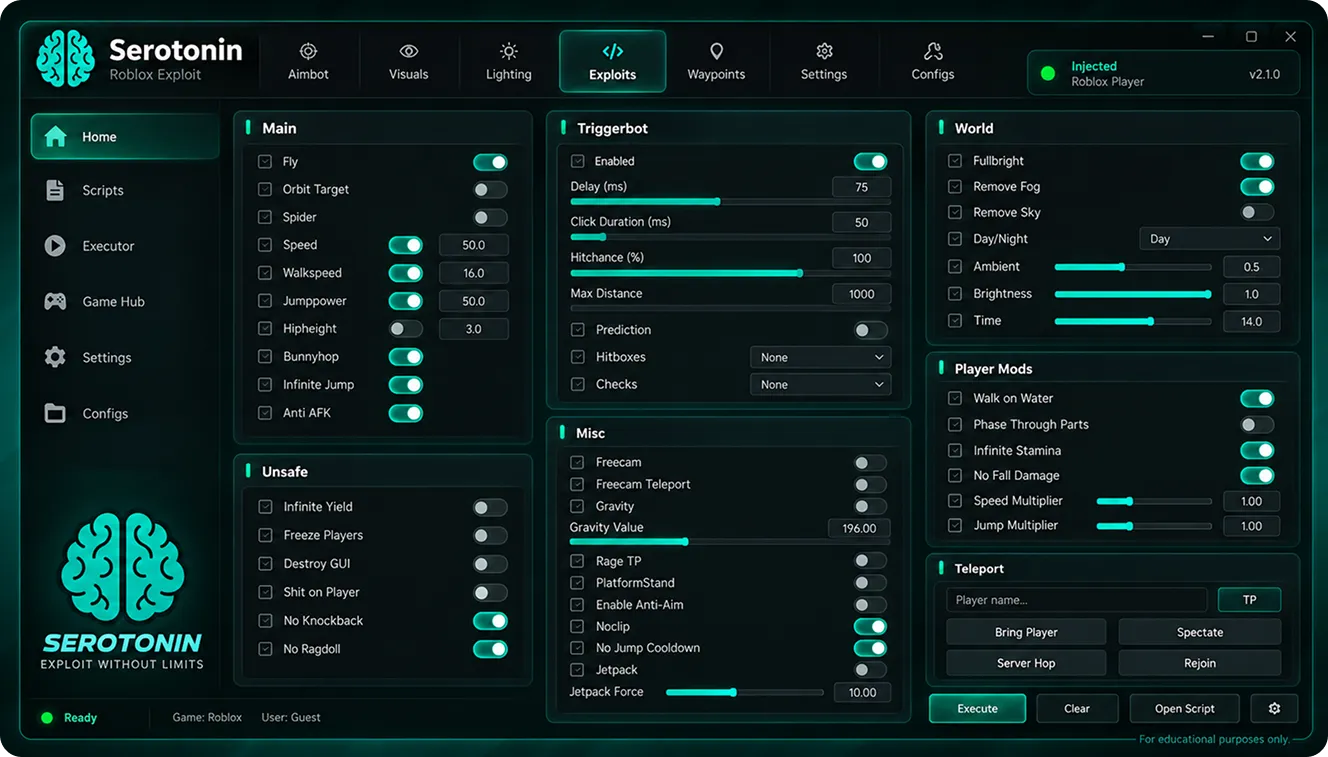
What sets Serotonin Executor apart is a philosophy no injection-based tool can match: nothing ever gets written into the game's address space. Serotonin External behaves like a spectator with X-ray vision — parsing memory, drawing on top of the window, and simulating input at the OS level. Every module below is a self-contained system built around that principle.
The core of Serotonin External is a strict read-only observer. Every offset, every entity list, every camera matrix is pulled out — nothing is ever pushed back. Anti-cheats scanning for foreign writes find a completely clean process.
Enable an optional signed driver and Serotonin drops beneath user-mode entirely — invisible to standard scanners.
Rewrites 14 hardware identifiers before launch — disk, SMBIOS, MAC, GPU LUID and more — fresh persona each session.
A separate render surface floats above the game — ESP, radar and menus draw at full monitor refresh, invisible to screen capture.
Overlay excludes itself from Windows Graphics Capture — Discord streams, OBS, and screenshots see a clean game.
Browse, download and one-click apply shareable JSON presets tuned for specific game modes — from precision aim profiles for shooters to farming layouts for grinders. Every preset is signed, sandboxed, and reviewed before it appears in Serotonin External Roblox community feed.
Detection almost always comes from three sources: foreign modules loaded into the process, unexpected writes to protected regions, and abnormal input timing. Serotonin External sidesteps all three by design — not by patching them, but by never triggering them in the first place.
There is no DLL to inject, no hook chain to install, no thread to spawn inside RobloxPlayerBeta. The process list stays identical to a vanilla client.
Mouse and keyboard actions are shaped with Bezier micro-jitter and per-session randomization — behavioral pattern analysis sees a real person.
Serotonin Executor is a Windows-native product; the primary path takes about three minutes end-to-end. Companion helpers exist for macOS remote play and mobile telemetry viewers — pick the flow that matches your setup.
Download the signed SerotoninLoader.exe — a tiny 2 MB bootstrap that verifies your build hash.
Point Windows Defender at the Serotonin folder — unsigned kernel drivers always trip heuristic scans.
Loader auto-rolls a fresh HWID profile and prepares the Vulkan overlay hook before the game window opens.
Start Roblox first. The overlay latches onto the swap-chain the moment your character spawns.
Press INSERT to open the menu, enable modules, save your config.
macOS has no native Roblox client; install Windows 11 inside Parallels 20 or a free UTM image with GPU passthrough.
Copy SerotoninLoader.exe into the virtual disk and follow the standard Windows steps.
The optional Serotonin Bridge for macOS mirrors the config editor natively so you can tweak modules without switching windows.
Scan the QR code inside the loader — Bridge and VM instance sync over local network in under a second.
Launch the game inside the VM — the Bridge shows live module status right in your dock.
The Android build is a remote app — it drives your desktop Serotonin instance, not the phone itself.
Settings → Apps → allow install from your file manager, then open the downloaded package.
Open the loader on your PC — the Companion app reads the QR to pair over your LAN.
Configs live in the Companion cloud — swap between game presets from the phone while you play.
Adjust ESP distance, FOV, and macros live — telemetry streams back to the phone in real time.
The iOS Companion is a remote controller for your Windows machine — same role as the Android build.
AltStore or Sideloadly work; TrollStore gives permanent installs on iOS 14–17.0 without re-signing.
Settings → General → VPN & Device Management → trust the developer profile.
Open the Companion, scan the desktop QR, and your iPhone becomes a live control surface.
Change configs, toggle modules, and view detection telemetry directly from your iPhone or iPad.
Requires Windows 10 22H2 or Windows 11 (x64)
Every game plays differently, so Serotonin ships with hand-tuned module presets for the most popular Roblox experiences. Load one, tweak the sliders, and you're playing at a level the vanilla client can't touch — no scripting required.
Long-range player ESP, chest markers and stamina timer HUD.
Cast-timing overlay, biome heat-map, and rare-spawn alert siren.
Head-position skeleton, bullet-drop reticle and enemy health readout.
Wave preview panel, spawn path outlines and DPS meter overlay.
Role indicators above heads, knife-holder highlight, coin waypoints.
Ball trajectory arc, incoming-hit countdown and directional siren.
Server-wide player pins, house heat-map and voice-region overlay.
Community-signed configs for every popular Roblox experience.
Every Serotonin Executor build ships with a signed hash, human-readable changelog and rollback bundle. Roblox's anti-cheat team moves quickly; we move faster — most patches land within a few hours of any client change.
Serotonin Executor gets used by everyone from casual grinders to competitive-ranked players. Here's what the community has said about their time with Serotonin External over the last few months.
Been running Serotonin Executor for three months and my main account is still spotless. The read-only approach actually delivers on the promise — nothing weird ever pops in the process list.
The iPhone Companion app is genius. I tune ESP distance from the couch while the desktop does the heavy lifting — no more alt-tabbing mid-match.
Streamer mode is exactly what I needed. My OBS scene captures a completely vanilla game — none of the overlays show up on Twitch. Finally a tool that respects that workflow.
Config Marketplace is the reason I stayed. Downloaded a Blade Ball preset from the community feed, tweaked two sliders, and I was competitive in a game I'd never touched before. Docking half a star only because upload moderation is slow.
Running the whole thing inside Parallels on my M3 Max — the Bridge app makes it feel native. Config edits sync to the Windows guest instantly.
HWID spoofer alone justifies the download. Rolled through three consecutive hardware bans on other tools last month; with Serotonin External I haven't had a single flag in six weeks.
The Fisch heat-map preset is nuts. Colour-coded biomes tell me exactly where the rare spawns are — feels like I'm reading the game's mind. Cast timing overlay is also perfectly tuned.
I was hesitant because most external tools are janky, but the Vulkan overlay on Serotonin genuinely runs at monitor refresh. First time an overlay hasn't tanked my frame-time.
Something acting up? Every module in Serotonin External emits detailed diagnostics — below are the issues we see most often and the fastest ways to resolve them.
Comparing Serotonin Executor against the two most common external toolkits players ask us about — Fatality and Sense. Each was benchmarked on the same Windows 11 machine, same Roblox build, same test scripts.
The questions we hear most about Serotonin Executor — architecture, platform reach, stealth model and pricing.
It's an external toolkit for Roblox: a separate Windows process that reads the game's memory, draws its own overlay above the window, and simulates hardware-level input. Nothing is injected into the game, no DLL is loaded inside the client, no hook chain is installed. Serotonin External behaves like a spectator with X-ray vision — visible only to you.
Yes. The full toolkit — loader, overlay, HWID spoofer, Config Marketplace, and both Companion apps — is completely free with no key gate, no premium tier, and no paid modules held back. If you enjoy the project and want to support development, the optional community tier unlocks preset publishing rights, but every feature that affects gameplay is available to everyone on day one.
Compared to injection-based tools, dramatically. The single biggest detection surface for Roblox anti-cheat is unauthorised memory writes inside RobloxPlayerBeta.exe — Serotonin External performs zero writes, so that entire class of detection simply cannot trigger. Behavioural analytics is still a real vector, which is why input humanization and streamer-mode overlay isolation ship enabled by default.
Windows 10 22H2 and every Windows 11 build up to and including 24H2 are fully supported on x64. Windows 10 21H1 and older lack the DXGI-DUPLICATION APIs the overlay depends on — those builds are not on the roadmap. Windows-on-ARM is currently unsupported because Roblox itself runs under Prism translation on that platform.
No. Usermode is the default and it's enough for the vast majority of players. Ring-0 exists for two situations: OEM laptops where the BIOS locks certain HWID fields, and users who want the smallest possible detection surface at the cost of an extra driver install. Both modes share the same read-only philosophy — the driver only widens what the reader is allowed to see, never what it writes.
Yes — that's exactly what streamer mode is designed for. When the flag is on, the overlay renders on a surface excluded from Windows Graphics Capture and DXGI duplication. Every mainstream capture path — OBS Game Capture, Display Capture, Discord Go Live, GeForce Experience, ShadowPlay — sees the vanilla game with no overlay bleeding into your stream.
Ordinary stable releases land roughly every two to three weeks. Emergency hotfixes ship the same day Roblox pushes a client change — usually within a few hours. The loader checks the release channel on every launch and applies delta updates without a reinstall, so keeping current takes no effort on your side.
No — and honestly, that's a design choice, not a limitation. Roblox on iOS and Android runs inside a sandbox with no user-mode process access, so any tool claiming to be a "native mobile executor" is either lying or immediately detectable. Our Companion apps take the honest approach: they remote-control your Windows machine over LAN, so the phone becomes a config surface and your PC does the actual work.